Smart routing rules (1/2): Conditions
A smart routing rule is the path that defines how each transaction of a Shop Login is to be elaborated by associating a set of attributes with a certain processing route.
Within the Dashboard, these elements are referred to as Conditions and Routes.
- Condition: set of attributes that a transaction must match in order to be processed according to the rule.
- Route: processing path associated with a set of attributes. It represents the route that a transaction meeting specific conditions must follow in order to be processed.
In this FAQ we will have a look at Conditions. Click here for more information on Routes.
Conditions
When creating a rule, the attributes through which to filter the transactions to be processed by the rule are selected via the Condition box:
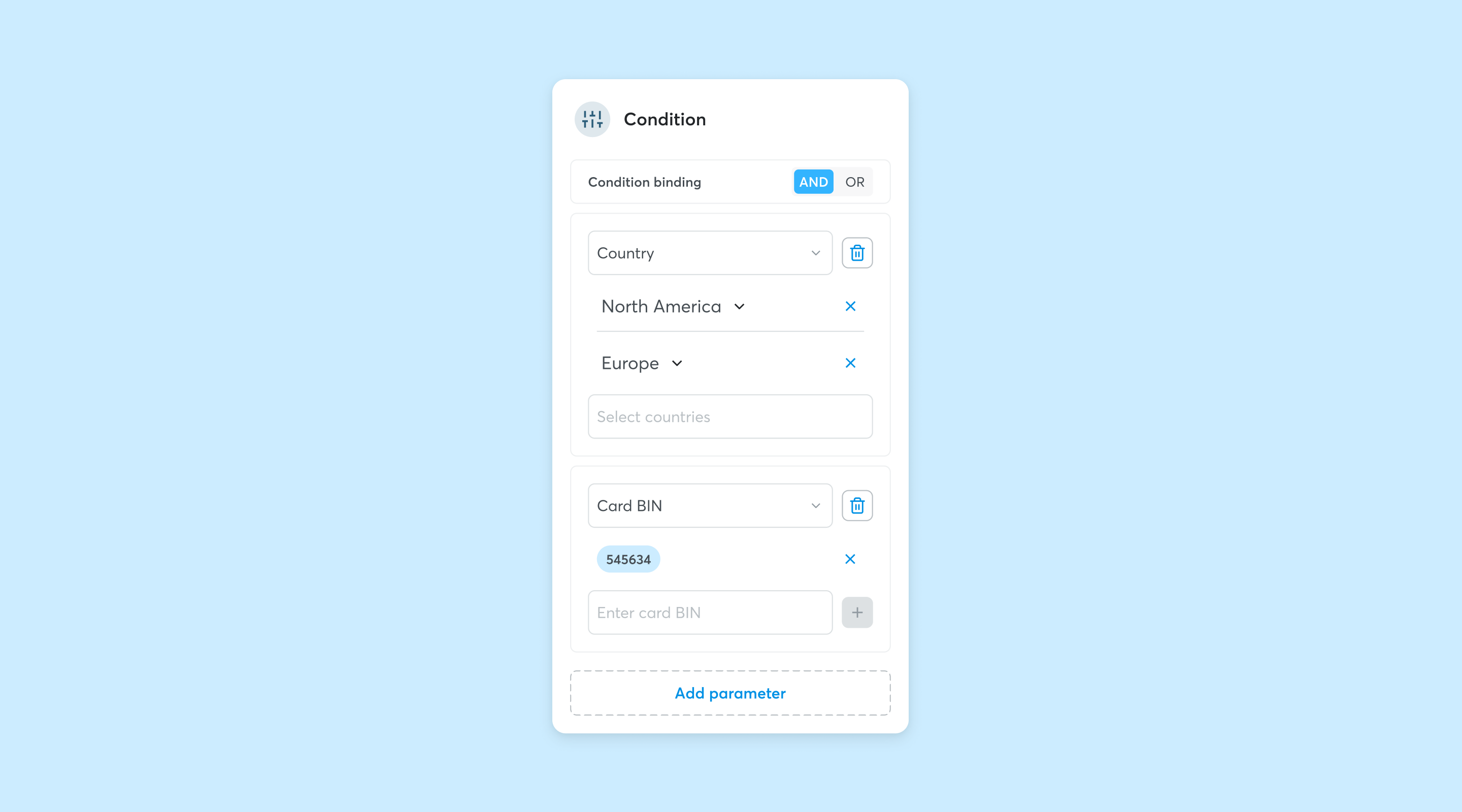
Each Condition can include several parameters, that should be met according to an AND logic (The transaction must meet both parameter A and parameter B) or an OR logic (The transaction must meet at least one of parameter).
Click on 'Add Parameter' to configure additional parameters.
Default condition
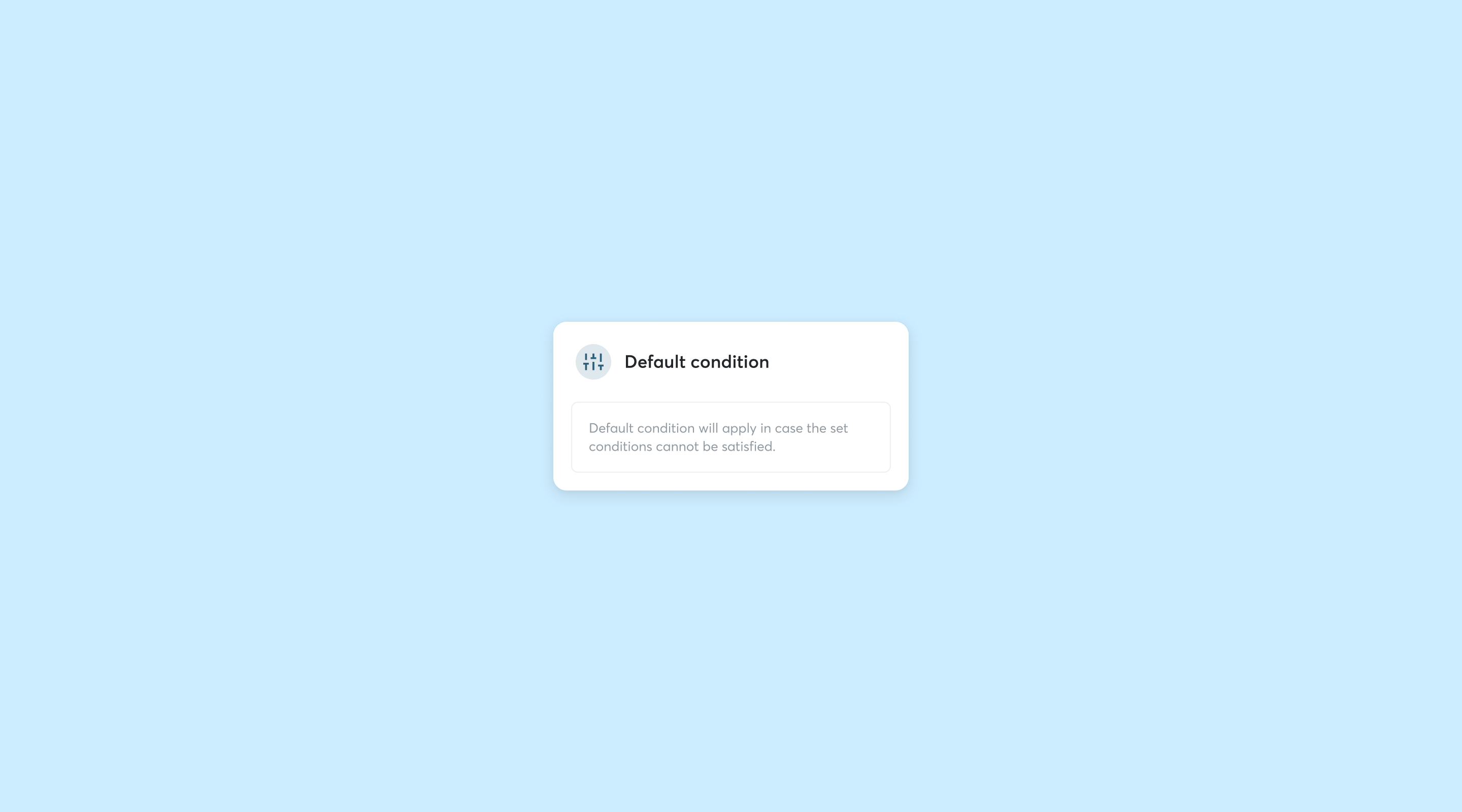
Before starting to create a Condition, a default path must be configured via the Default Condition box. The Default Condition does not require a parameter to be chosen, because it is the first step of a default path that will handle all transactions that do not meet the rule's Conditions.
Condition parameters
The parameters that can be included in a Condition are:
- Card BIN
- Card Scheme
- Card Country
- Card Type
- Payment Currency
Let's take a look at each category:
- Card BIN
The Card BIN Condition allows to filter transactions according to their BIN range. More than one BIN can be entered by clicking on the ‘+’ button. - Card Scheme
The Card Scheme Condition allows to filter transactions executed with payment cards of the same Card Scheme. A multiple selection can be made via the drop-down menu. - Card Country
The Card Country Condition allows to filter transactions executed with payment cards of a specific Country or cluster of Countries. A multiple selection can be made via the drop-down menu. - Card Type
The Card Type Condition allows to filter transactions executed with same type payment cards. A multiple selection can be made via the drop-down menu. - Payment currency
The Currency Condition allows to filter transactions executed in the same currency. A multiple selection can be made via the drop-down menu.
Is your acquirer Banca Sella?
Contact Sella support
Request support for a problem, an intervention or send a report.
Ecommerce SupportUsing other banks?
Contact Fabrick support
If your acquirer bank is different from Banca Sella and you want to report a malfunction:
Warning: for administrative requests or reports click here.
For all other cases:
Other reports